What if you could
embroider anything?
Boldbobbin is the complete embroidery digitizing workspace for professional shops, Etsy sellers and independent makers. Simple enough for your first design, precise enough for your hundredth.
Features auto-digitizing, parametric editing, lettering, and more.
No account needed to try it. No credit card required.
Software designed around your needs
You are losing time and money on outsourcing.
A customer sends a logo. You send it to a digitizer overseas, and it comes back the next day because of the timezone difference. You show the customer, and it needs a revision. The second time it looks good, but the design does not stitch properly. So you ask again. It is a simple correction. After all, the digitizer does not know your setup as well as you do. You lost three days for a logo that could have run the same day.
- Auto-digitize the logo and see the result in seconds.
- Send the customer a realistic preview before anything runs.
- A revision takes thirty seconds in the editor.
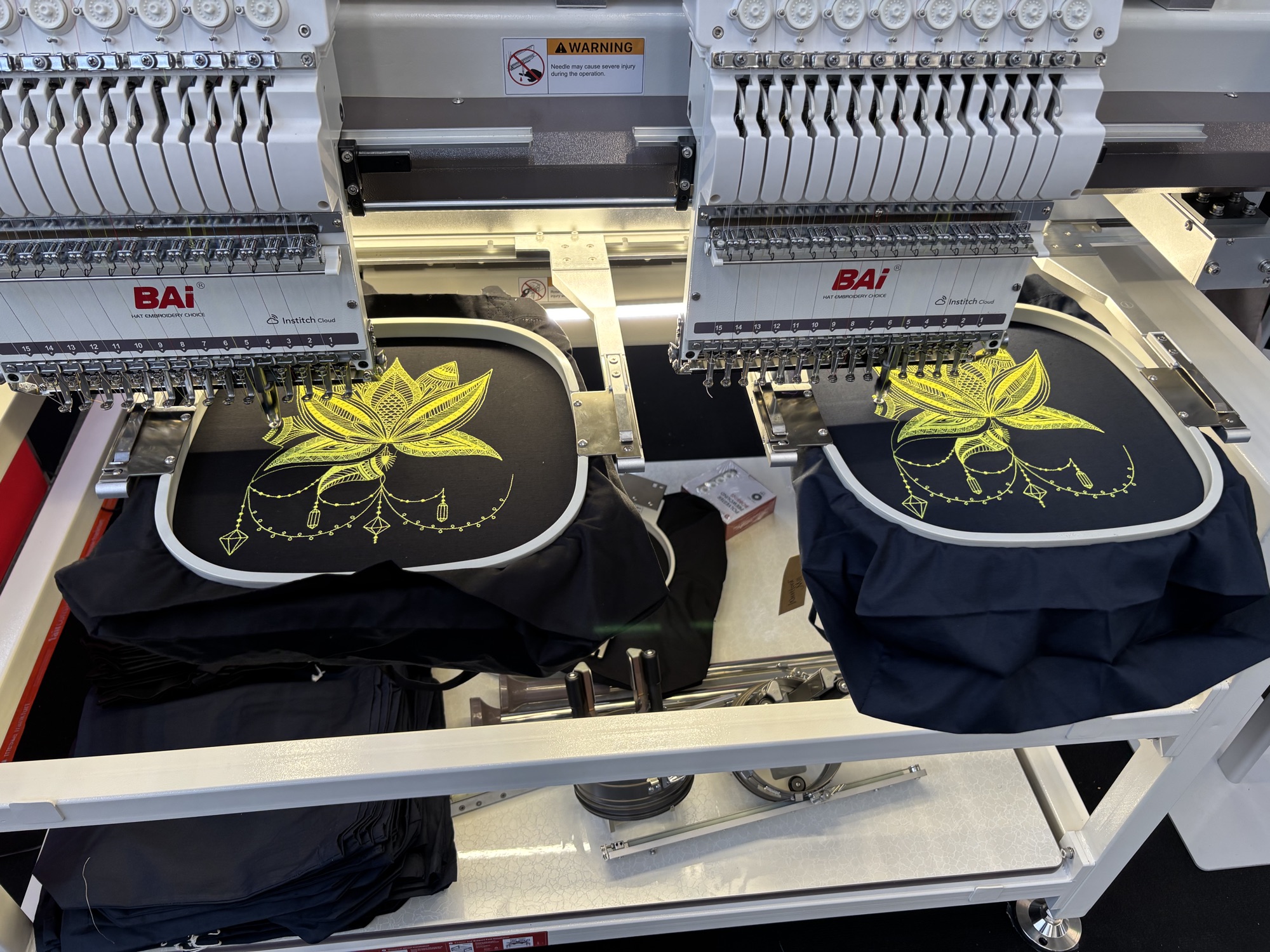
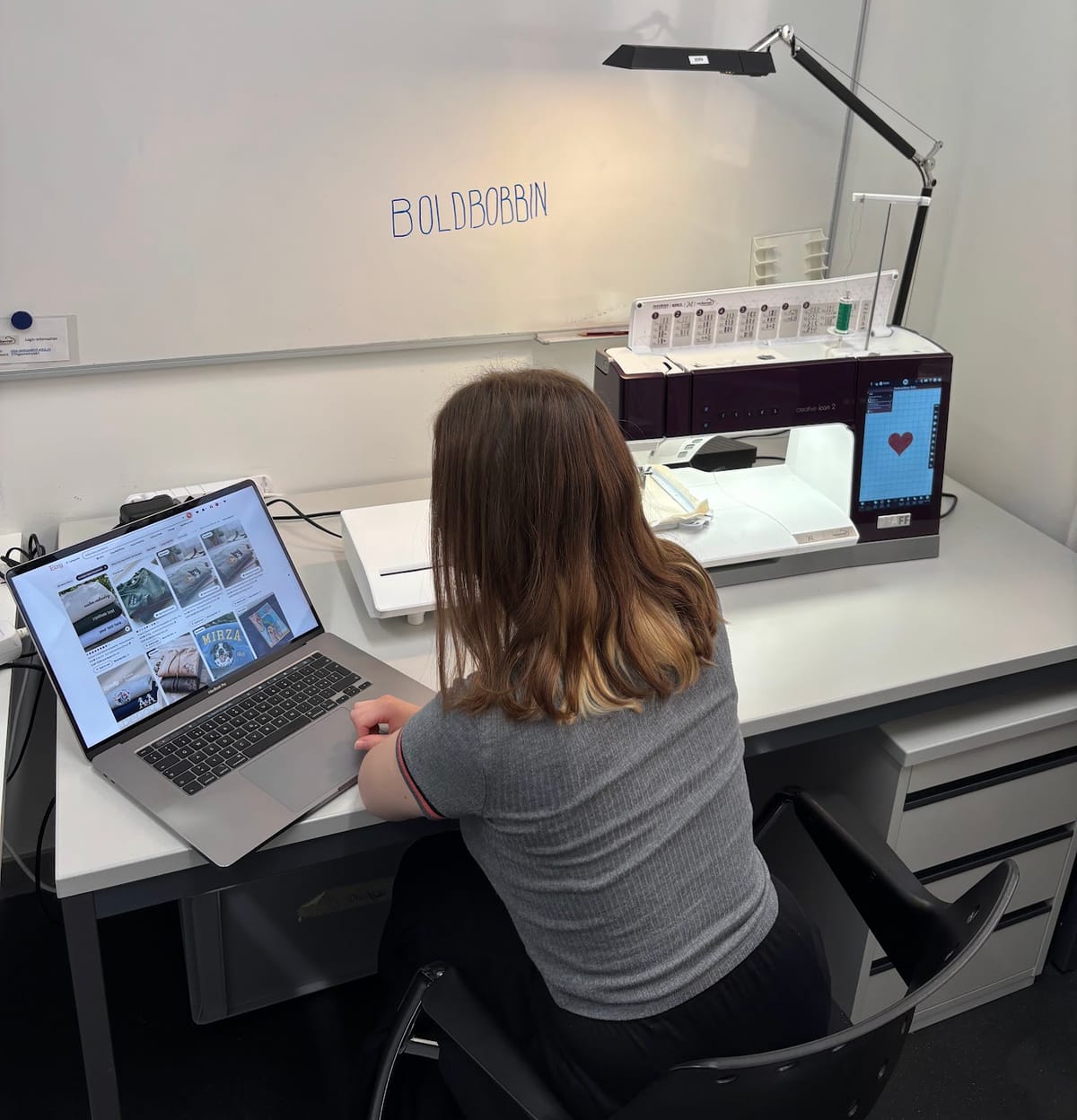
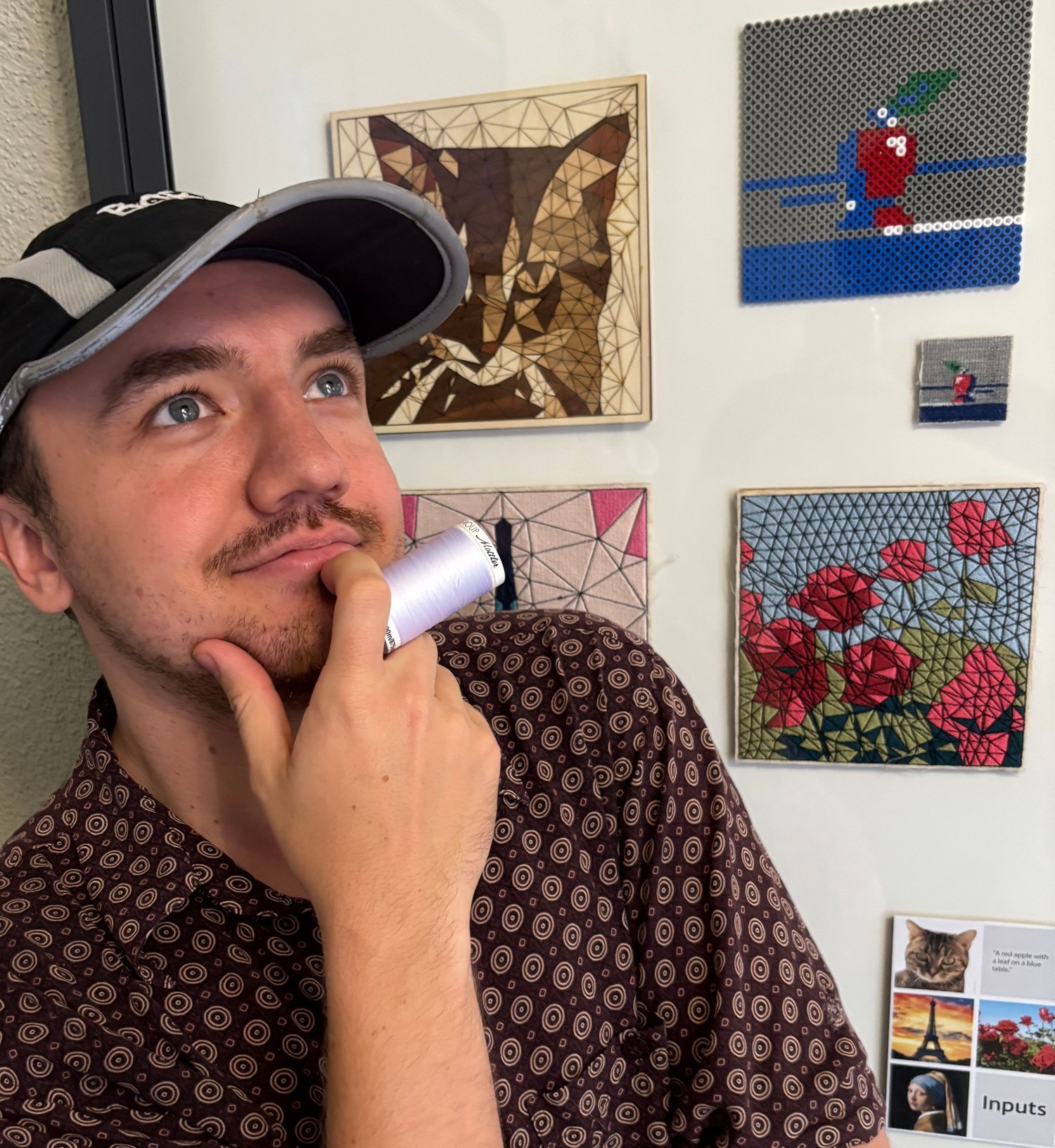
Make awesome designs,
in an intuitive embroidery workspace
A fully customizable workspace, for the hours you spend in it.
-
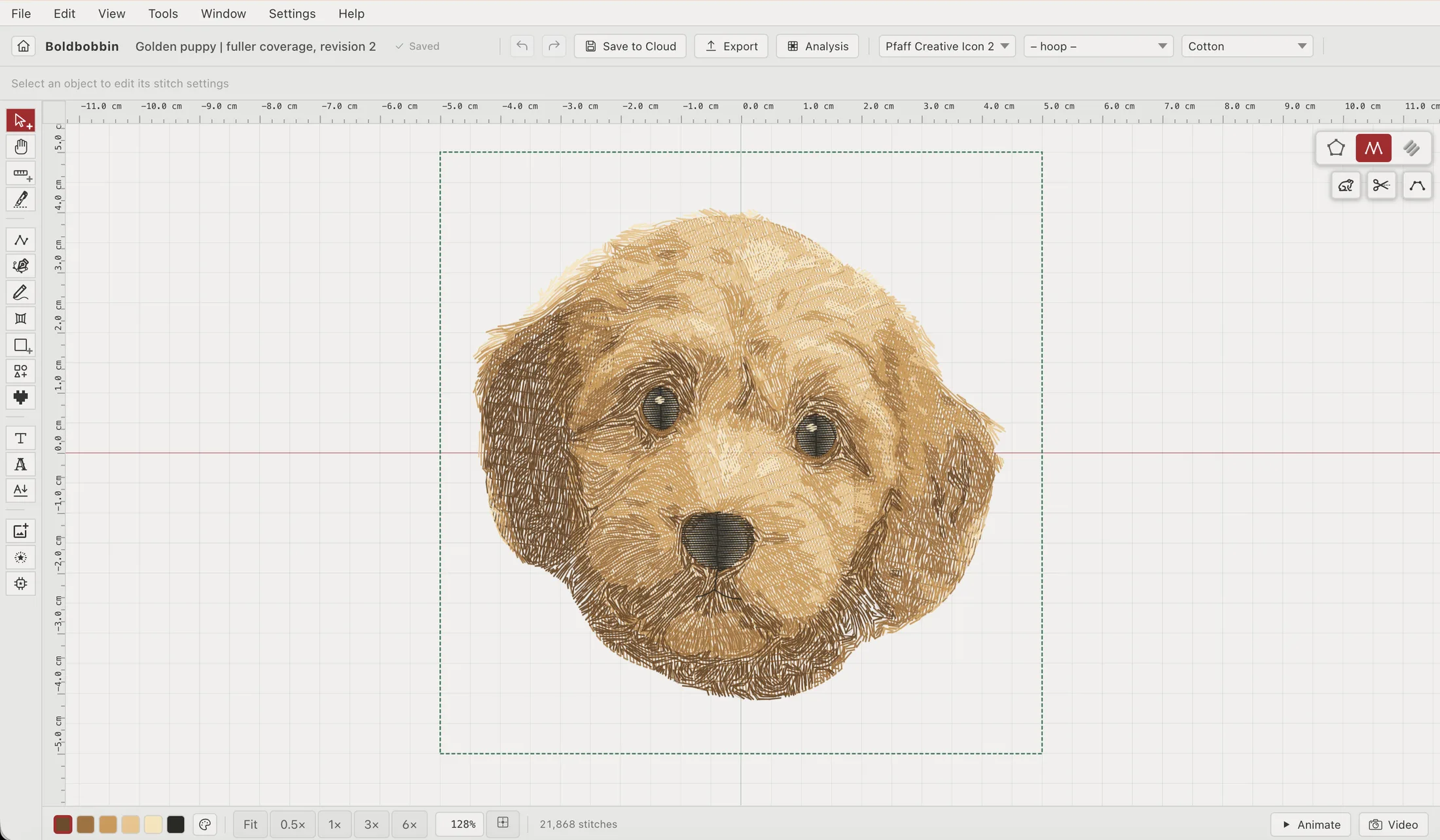
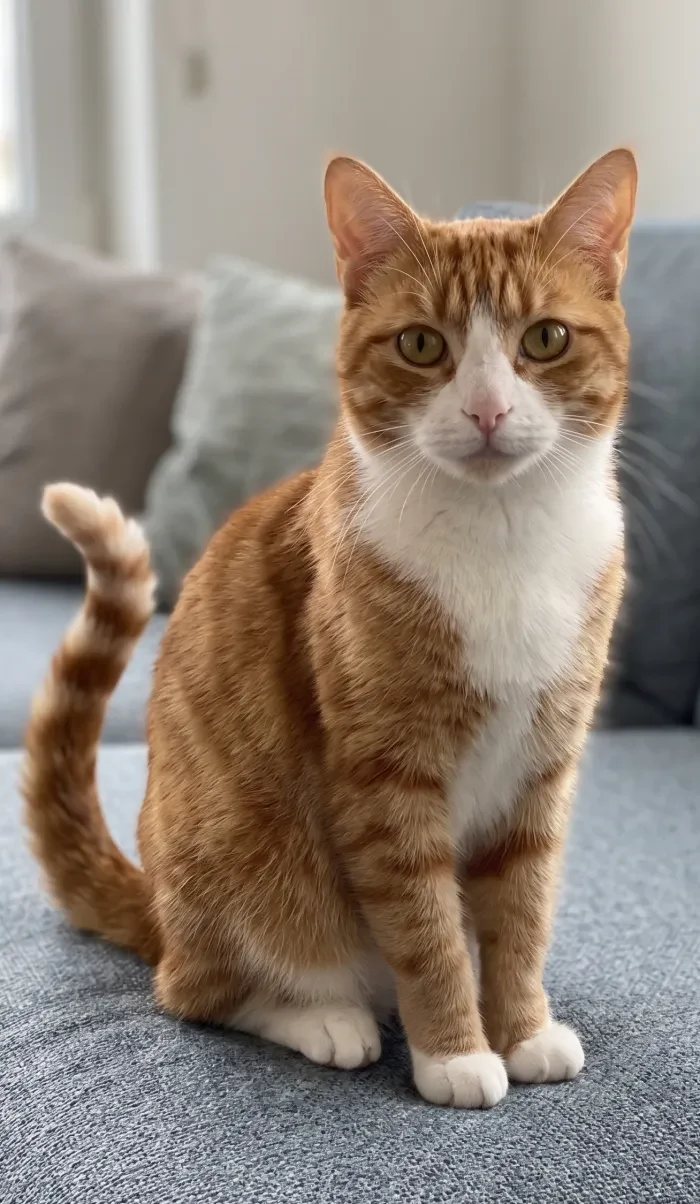 Your reference
 -
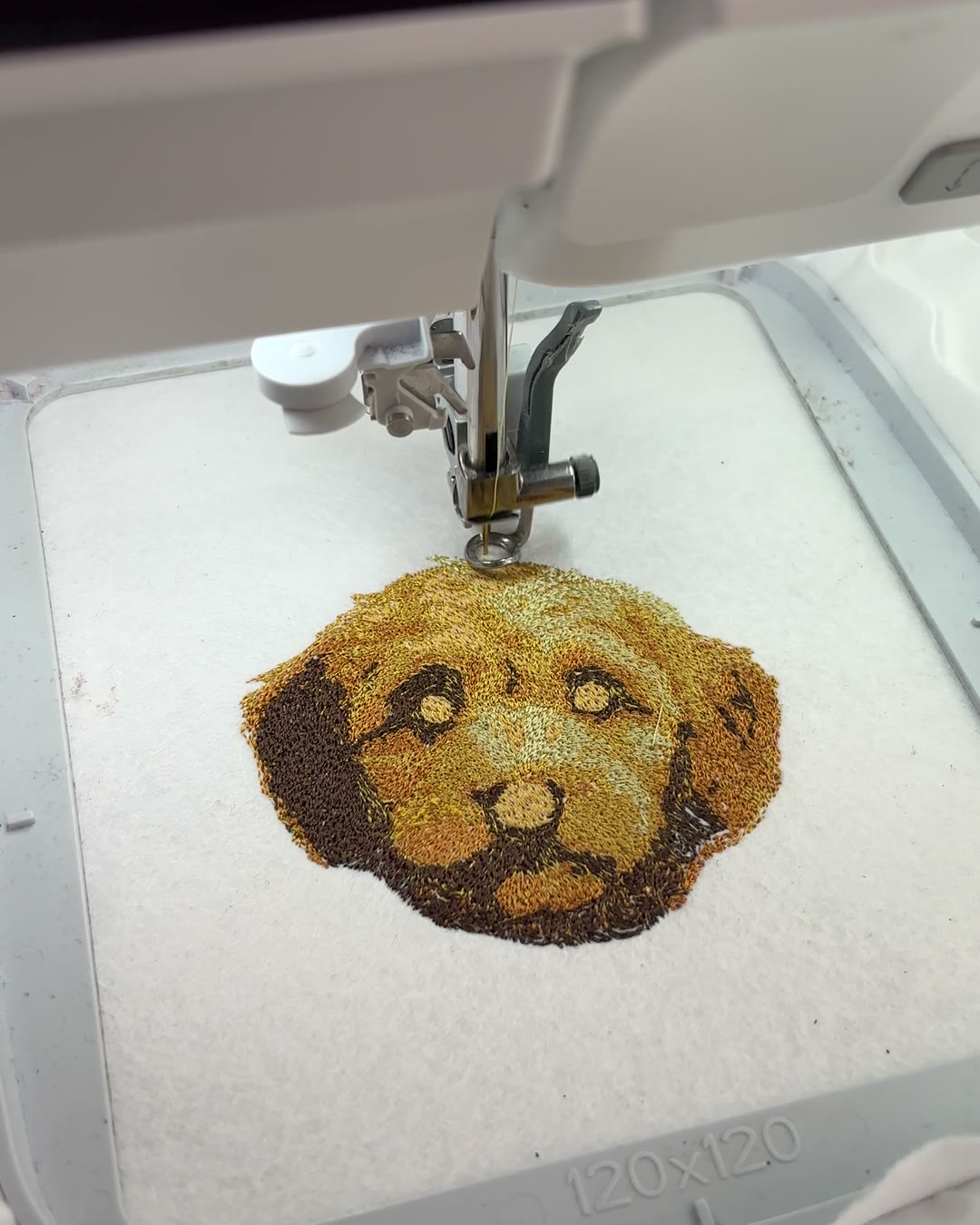
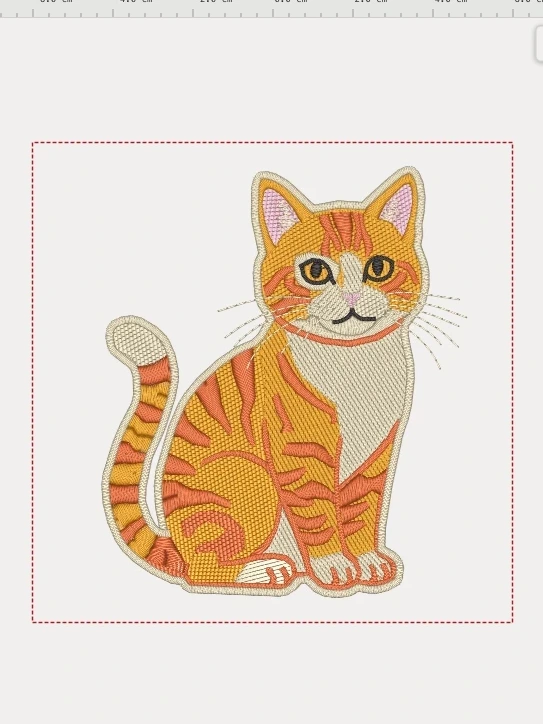 Drawn in Boldbobbin
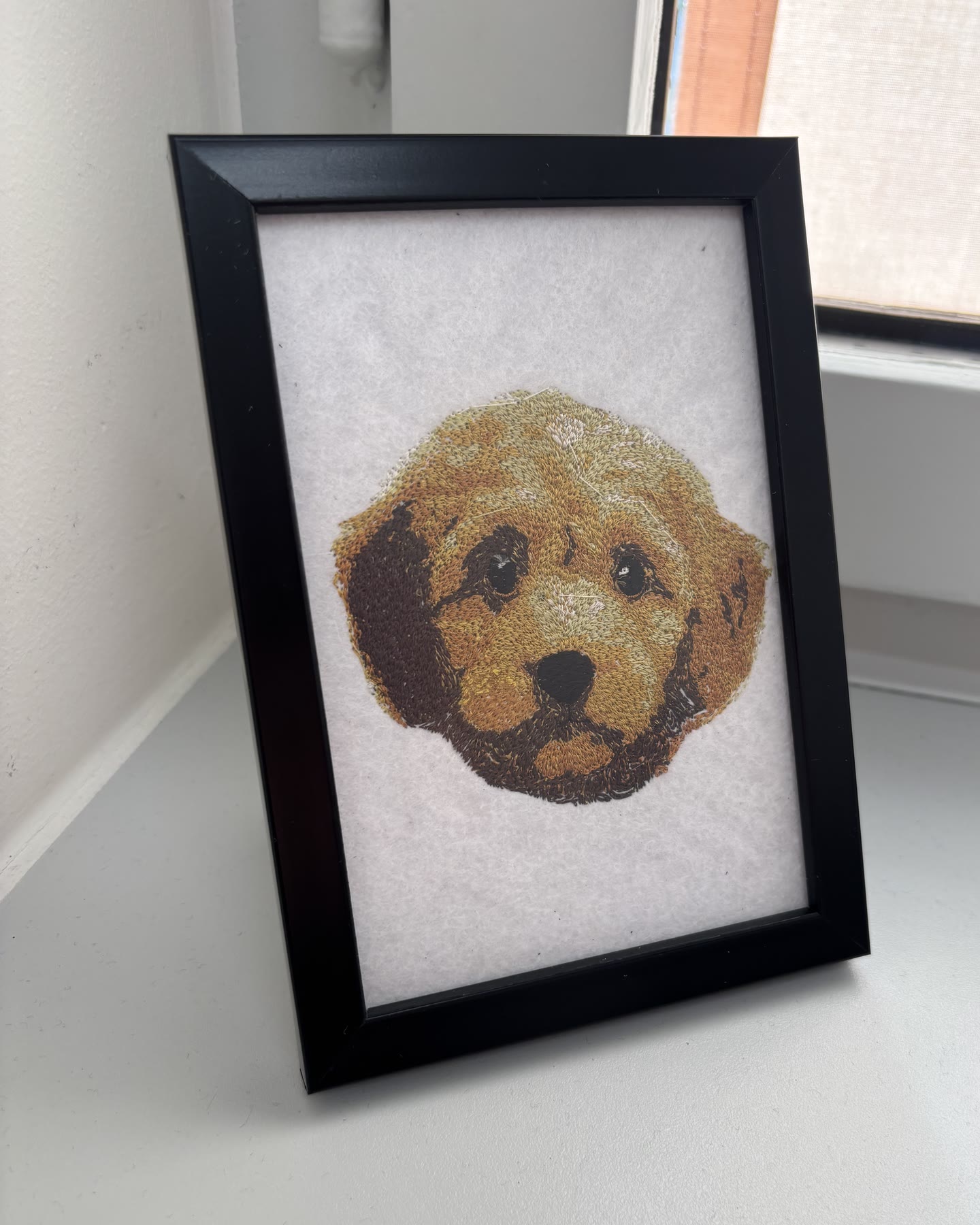
 - Stitched and framed
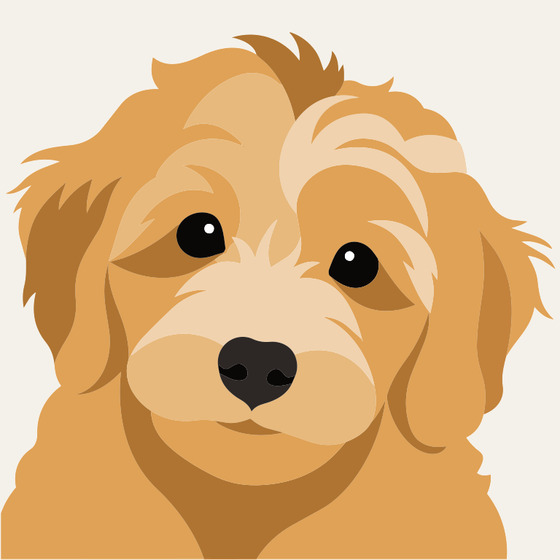
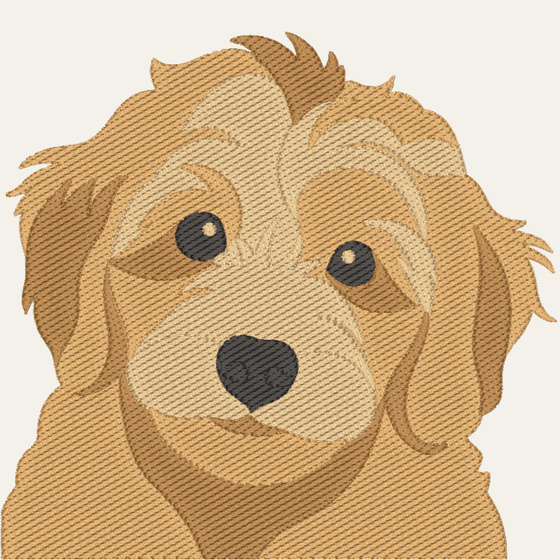
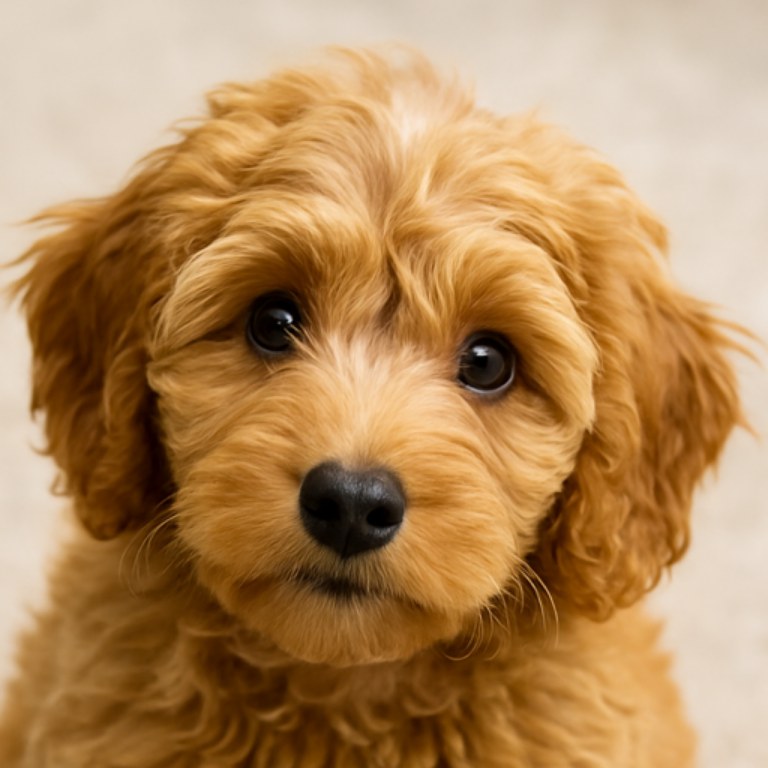
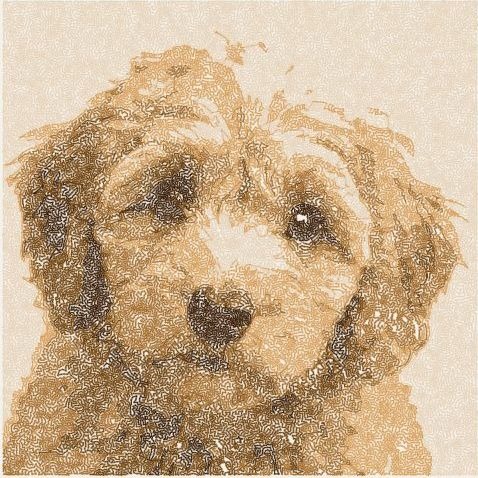

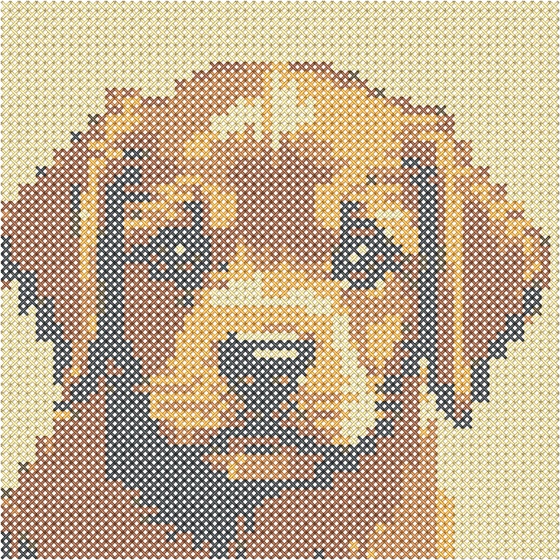
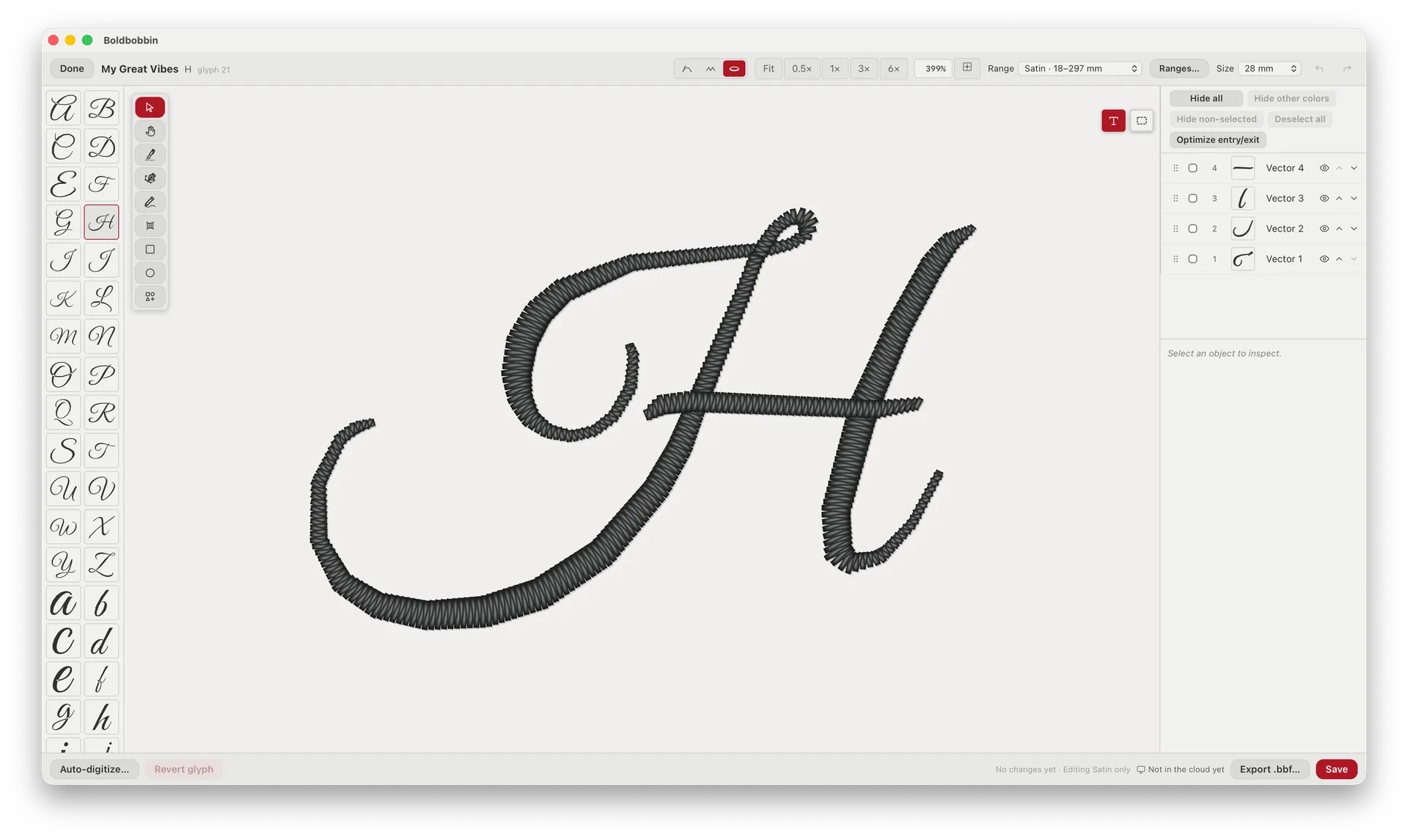
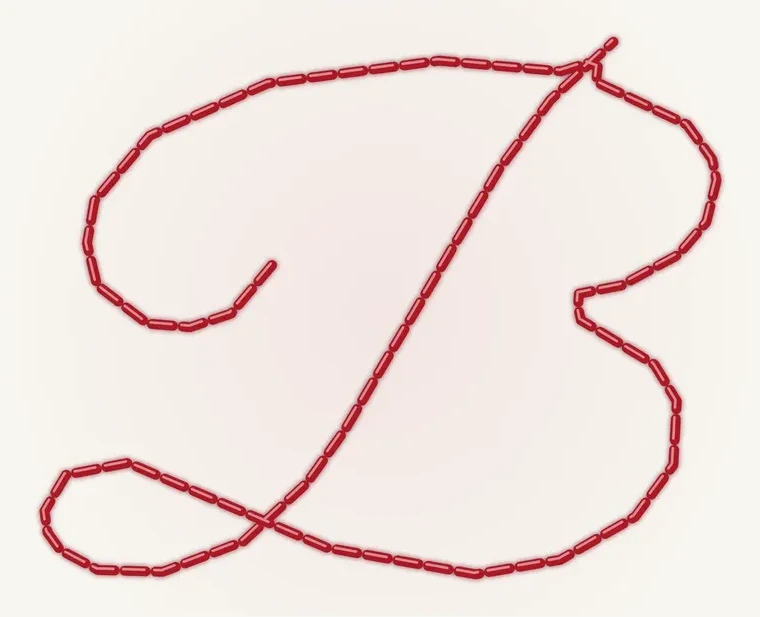
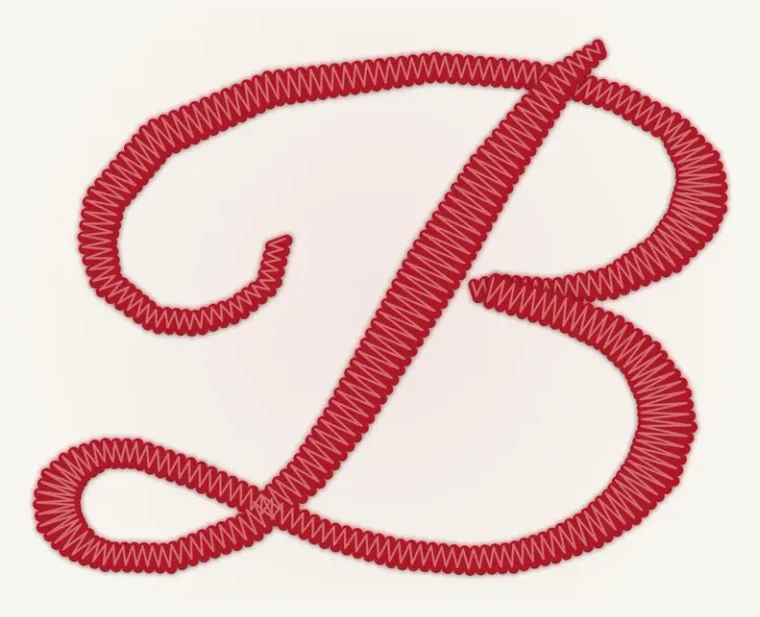
Easy to use
Full control
Intuitive parametric modeling, like a modern design tool. Every setting stays live, so the stitches update as you change your mind.
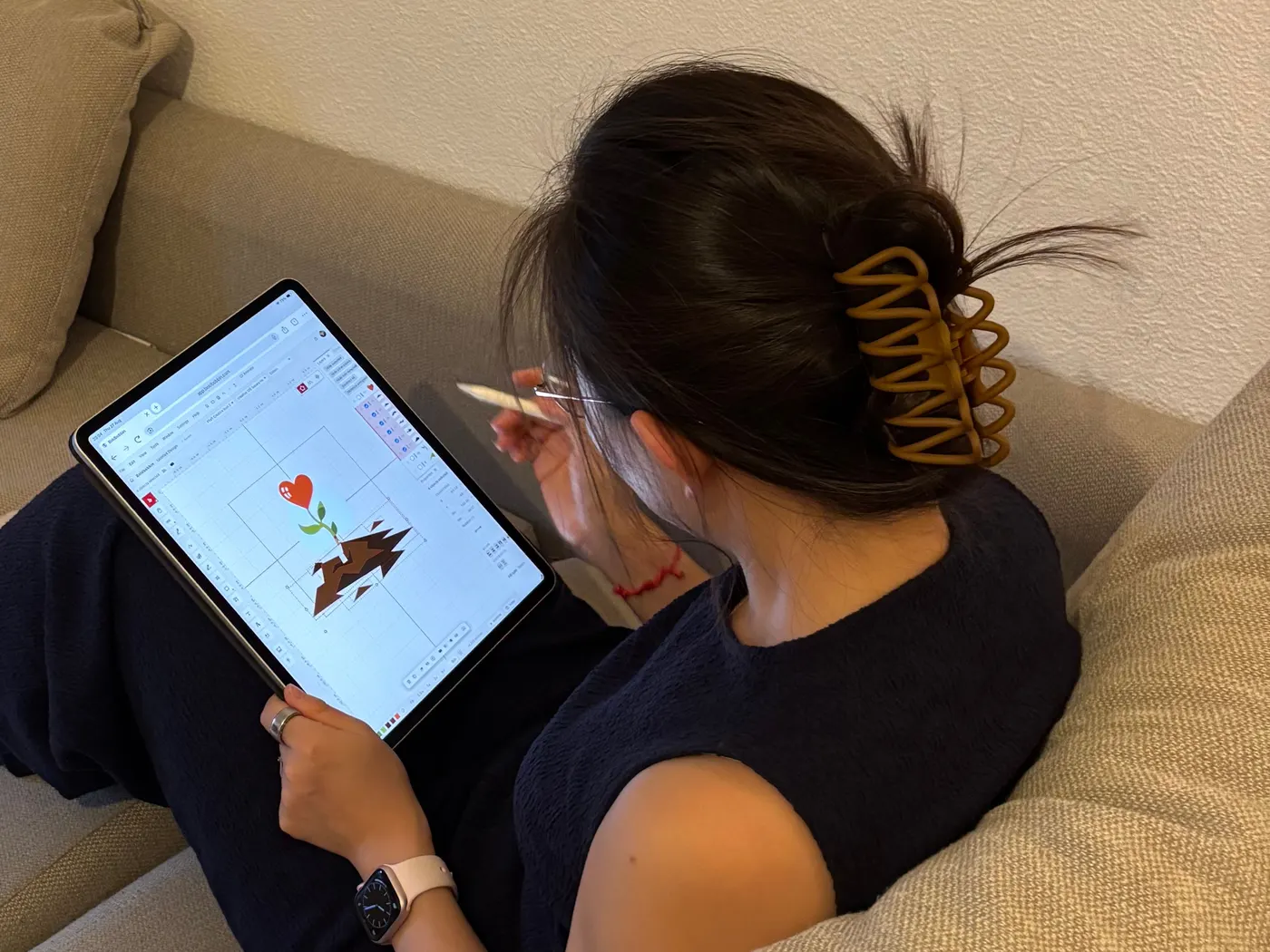
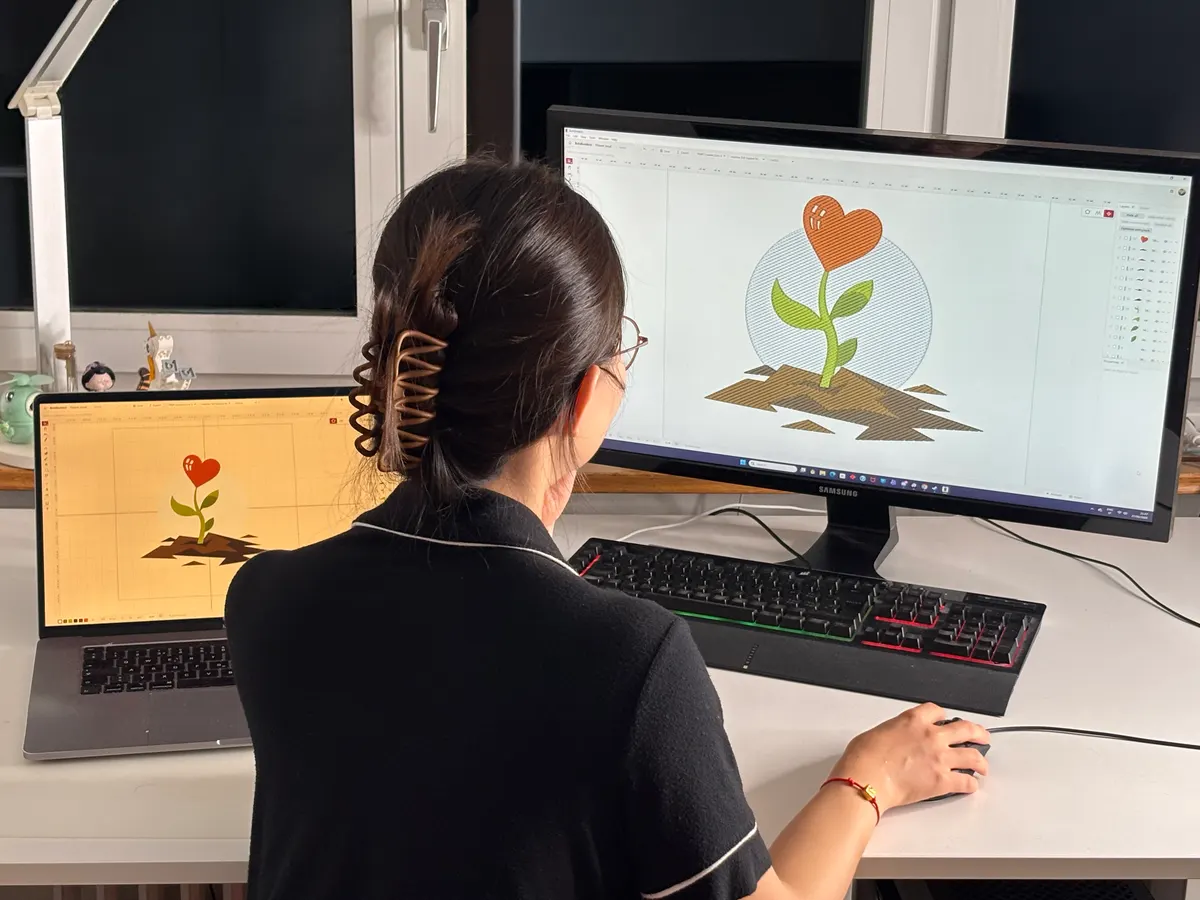
Start on the sofa, finish at the desk
Boldbobbin runs natively on Windows and Mac, in any browser, and on an iPad with a stylus. Save to the cloud and the work follows you: the thing you sketched last night is there in the morning, on whichever machine you sit down at.
Export for Your Machine
Export to every major embroidery format compatible with most home and commercial machines. Need multiple formats at once? Batch export has you covered.
Also export as .SVG or .PNG for previews and sharing.
Brand names are trademarks of their respective owners, listed for compatibility reference.
Built for Real Embroiderers
Every feature is designed around how you actually work.
No Fluff, Just Tools You Need
Every major stitch type is built in: running, bean, satin, and tatami fills. A focused interface made for embroidery, not a bloated design suite.
Tuned to Your Setup
Register your threads and set your machine, hoop, and the fabric you stitch on for automatic stitch settings.
Smooth, Realistic Preview
Pan, zoom, and edit large designs at a steady 60fps, and see exactly how every stitch looks.
Auto-Digitize
Turn any image into clean, ready-to-stitch embroidery automatically, then refine the details by hand.
Advanced Lettering
Import your own fonts and turn any typeface into clean lettering. A specialized mini-editor lets you adjust how each letter stitches out.
Share Your Work
Share any design by simply sending a URL. Anyone can open the link and view your work right in the browser, with nothing to download or install.
Want to help shape what we build next? Contact us or join the Discord for a direct line to the founding team.
Made with Boldbobbin
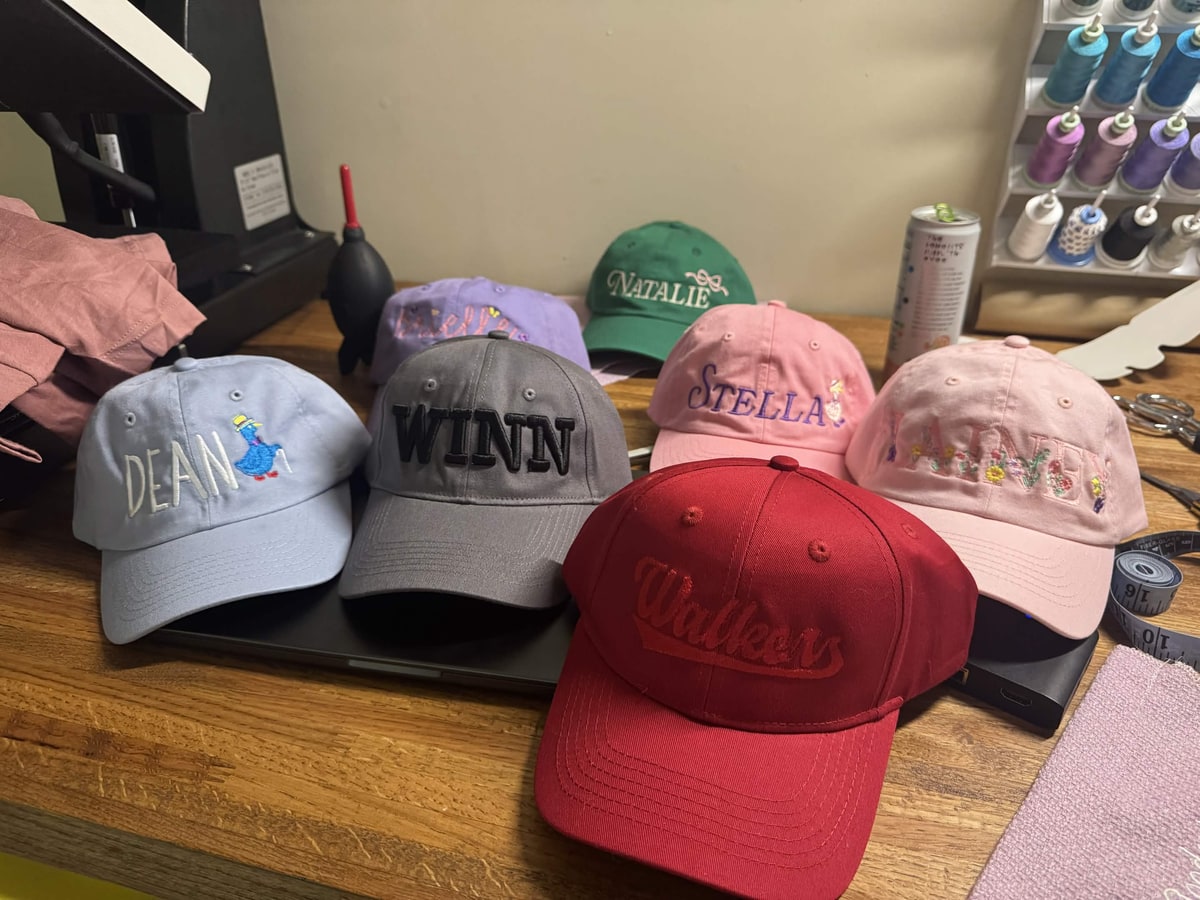
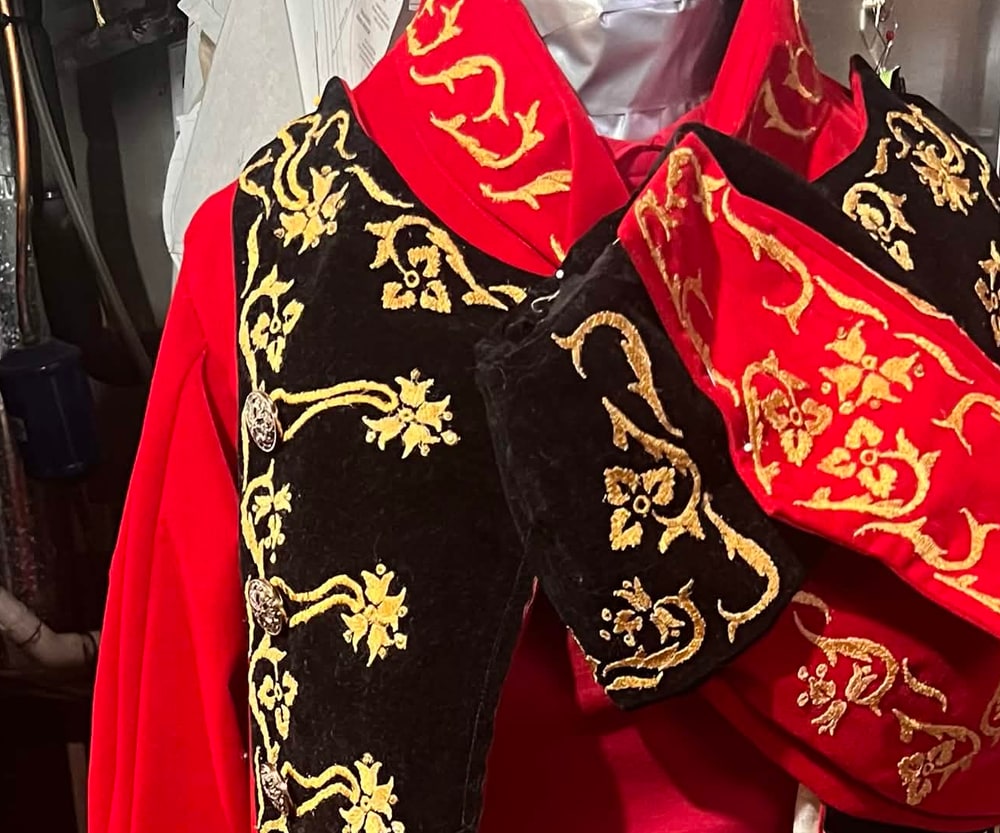
“Wow my wife was busy! She made all this today using your software”
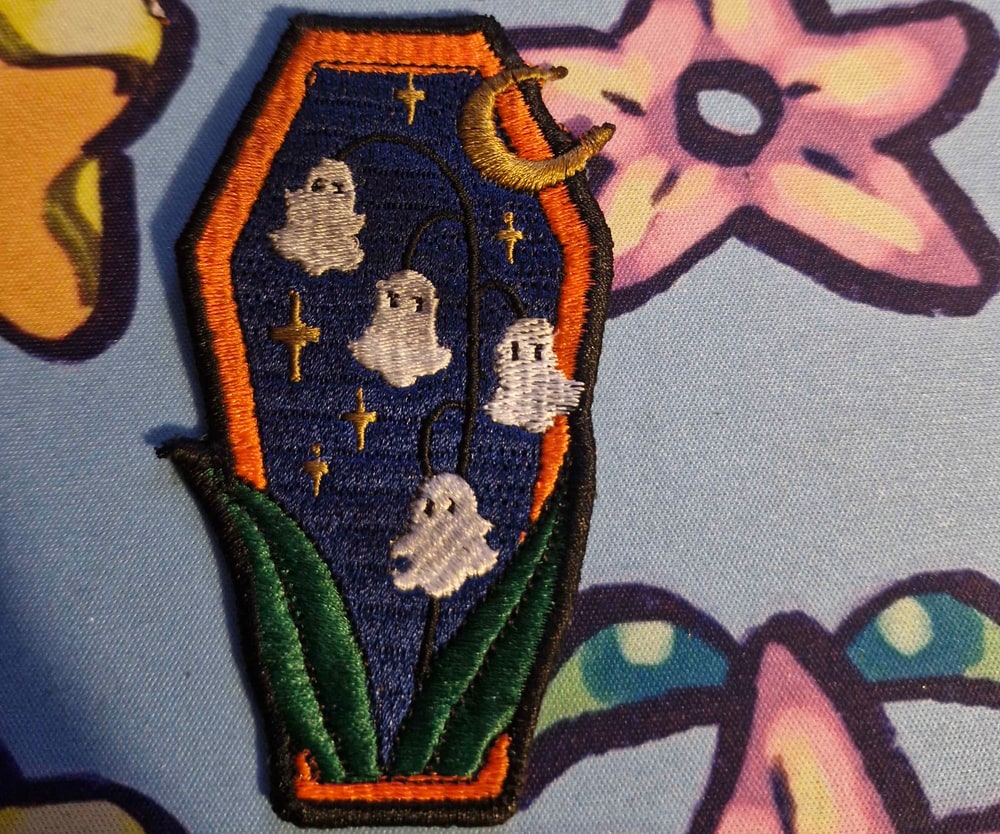
“This would not have been possible without Boldbobbin.”
Ducky
“It's really saved my butt and helped me learn a lot, and your tips and support have been beyond helpful too. I don't know if I'd have got here without either thing.”
Hayley
People post what comes off their machines in the Discord most days.
Every quote and photo here is published with the maker's permission, of course.
“Congratulations! The first software I could use straight away. I am a beginner, and I succeeded on my very first try! Really, really great work you have done there.”
„Gratuliere! Die erste Software die ich sofort bedienen konnte. Ich bin Anfänger, schon beim ersten Versuch war ich erfolgreich! Ganz, ganz tolle Arbeit, die Ihr da gemacht habt.“
Barbara from Tirol
Sent via the contact form
Pricing
Personal
Everything you need to design for yourself.
For personal, non-commercial use
- Runs in your browser, or installs on Windows & Mac
- Turn SVG, PDF and Illustrator art into stitches
- All machine formats (PES, PEC, DST, JEF, EXP, VP3, XXX, U01)
- Stitch and realistic previews
- Machine & thread palette setup
- 6 fonts
- Save locally, limited cloud storage
- Community support via Discord
No credit card required
Pro
For makers selling what they create.
Excl. tax. Final price confirmed at checkout.
Everything in Personal, plus:
- Auto-digitizing
- Photostitch
- Pixel art editor
- Lettering editor
- 10+ special fills
- 12,000 credits a year for the tools that run on our servers
- Density analysis
- Unlimited cloud storage
- Batch export, PDF instruction exports, stitch-out video exports without watermark
- Commercial-use licence
- Email support
Secure checkout via Stripe
Within fair use: as many designs as your own work needs, with no hard cap.
Subscription or Lifetime: which suits you?
Start with the Pro subscription. If you decide later that you want to continue using it, move to Lifetime and roll over up to $250 of what you’ve already paid.
For example, if you subscribed monthly for 6 months, you already paid $150, and converting to Lifetime then costs only $1,350 (excl. tax).
That makes the subscription a safe way to start. Useful if you only get the machine out once a year for Christmas presents, or if you’re starting a shop and don’t want a big cost upfront. And if you want to stay long-term, nothing you paid was wasted.
Working with a team? Business and Max add shared seats, pooled credits and one design library for everyone.
Compare plans
| Feature | Personal | Pro |
|---|---|---|
| Embroidery file import Open existing .DST, .PES and other files to edit. | Included | Included |
| Vector graphics import Import .SVG, .AI or .PDF artwork and convert it straight to stitches. | Included | Included |
| Image import Bring in a reference PNG or JPG to trace over manually. | Included | Included |
| Machine formats .PES, .PEC, .DST, .JEF, .EXP, .VP3, .XXX and .U01. | Included | Included |
| Image export .SVG and .PNG, for sharing and listings. | Watermark | Included |
| Video export A video of your design stitching out, for social posts and listings. | Watermark | Included |
| Batch export Export one design to several formats at once, ready to sell as digital files. | Not included | Included |
| PDF run sheet A printable sheet with stitch-out instructions for the machine. | Not included | Included |
| Save locally Keep your work on your own machine. | Included | Included |
| Cloud storage Designs saved to your account, reachable from any device. | 10 designs | Unlimited |
| Public sharing Publish a design to the community gallery and share it by link. Anyone can open it in the browser, with nothing to install. | 5 designs | Unlimited |
| Zoom and preset levels Zoom freely, or jump straight to 1:2, 1:1, 3:1 and 6:1. | Included | Included |
| Screen calibration Match your screen size and DPI to real measurements, so what you see is true to size. | Included | Included |
| Ruler tools Measure distances directly on screen. | Included | Included |
| Studio setup Set your machine and hoop so designs are sized to fit them. | Included | Included |
| Thread management Build palettes from the threads you actually have on hand. | Included | Included |
| Jump & trim visualization See where the machine jumps between areas and where it trims the thread. | Included | Included |
| Vector graphics view See the underlying paths rather than the stitches. Perfect for vector modeling. | Included | Included |
| Stitch view See every individual stitch in the design. | Included | Included |
| Realistic view See how the finished piece will look before you stitch it. | Included | Included |
| Animated stitch sequence Play a design back stitch by stitch to check how it sews out. | Included | Included |
| Density analysis Measure how much thread and how many needle penetrations each part of a design puts on the fabric, and see where that goes outside professional limits. | Not included | Included |
| Curves, freehand, polygons Draw with curves, freehand strokes or polygon points, then adjust any point on the canvas. | Included | Included |
| Running stitch A single line of stitches, for outlines and fine detail. | Included | Included |
| Satin columns Dense parallel stitches across a shape, for smooth borders and lettering. | Included | Included |
| Tatami fill A repeating fill for larger areas, with adjustable angle and density. | Included | Included |
| Special fill Turn a flat tatami fill into a textured relief with a repeating pattern. | No export | Included |
| Fabric presets Start from settings suited to the fabric you are stitching on. | Included | Included |
| Auto-digitizing Turn an image straight into stitches instead of tracing it by hand. | No export | Included |
| Photostitch Turn a photograph into dense, photo-like stitching. | No export | Included |
| Image to pixel art Turn an image into a pixel art grid automatically, ready to stitch. | No export | Included |
| Pixel art editor Draw and edit the grid by hand, with brush sizes, your own palette and cell size, stitched as cross-stitch, mini-satin or tatami fill. | No export | Included |
| Fonts Ready-to-stitch fonts bundled with the app. | 6 | 6 |
| Font import Bring in your own typeface and stitch with it. | No export | Included |
| Lettering editing A specialized editor for digitized fonts, where you adjust how each letter stitches out. | No export | Included |
| Font cloud sync Edit how a font is digitized and save it to your account, ready to use in any design, in sync with all your devices. | Not included | Included |
| Commercial-use licence Sell the physical goods you embroider with Boldbobbin. | Not included | Included |
| Sell the files you export Sell the machine files themselves, in standard formats. | Not included | Included |
| Discord community Ask questions and share work with other makers. | Included | Included |
| Email support Reach us directly. | Not included | Included |
- No export: on the free plan you can do the work and see the result, and your designs still save. Exporting or publishing what it makes is the part that needs Pro.
- Watermark: image and video exports on the free plan carry a small Boldbobbin mark. Your machine files are never watermarked, on either plan.
- Unlimited is subject to fair use: store and publish as many designs as your own work needs. There is no hard cap, and we would only get in touch if a single account sat far outside normal use for one maker.
Try the Pro tools for free
Every Pro tool runs on the free plan. Use them on your own artwork, with your own fonts, and see exactly what comes out. Keep editing it. No time limit, no card needed.
You only need Pro to export or publish what you make. That holds for every Pro tool we ship, so you can always see what you would be paying for before you pay for it. Maximum transparency.
Rooted in academic research
Boldbobbin is built by a computer graphics Ph.D. from ETH Zurich. Turning a picture into something a machine can actually stitch is the problem we work on academically.
See the research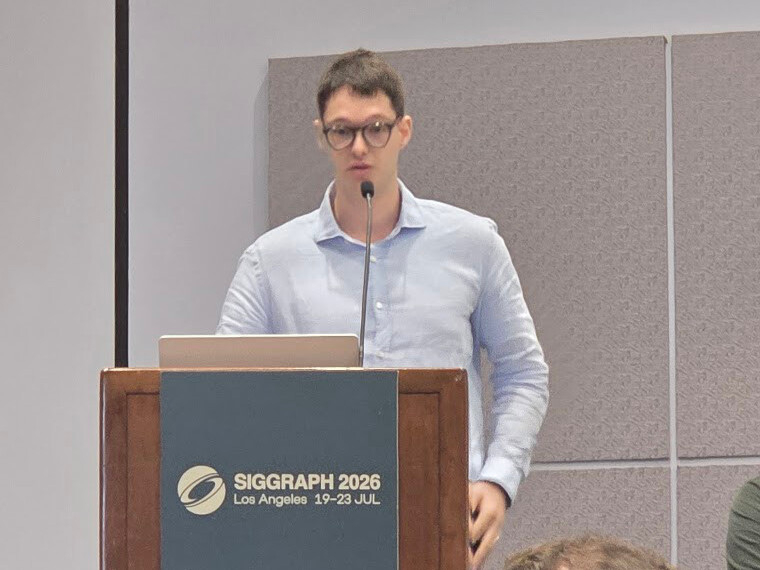
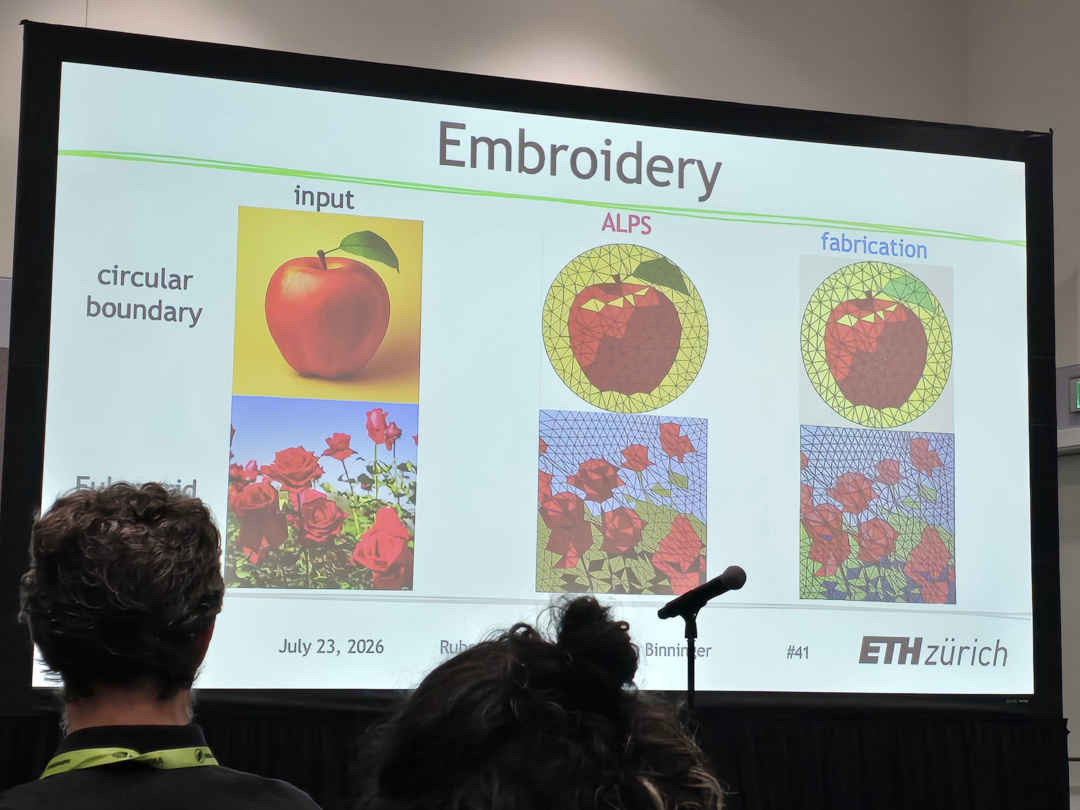

Formally recognised by ETH Zurich as a spin-off company.
Supported by